
headless-ida-mcp-server
headless-ida-mcp-server
Documentation
Acknowledgments
This project builds upon the work of:
- Tools code adapted from ida-pro-mcp by mrexodia
- Utilizes the headless-ida library by DennyDai
Headless IDA MCP Server
If you want to run the server directly as a cli app, rather than an IDA plugin interactively,you can chose it.
Project Description
This project uses IDA Pro's headless mode to analyze binary files and provides a suite of tools via MCP to manage and manipulate functions, variables, and more.
Prerequisites
- Python 3.12 or higher
- IDA Pro with headless support (idat) https://github.com/DennyDai/headless-ida
Installation
1. Clone the project locally:
git clone https://github.com/cnitlrt/headless-ida-mcp-server.git
   cd headless-ida-mcp-server
2. Install dependencies:
uv python install 3.12
   uv venv --python 3.12
   uv pip install -e .
Configuration
1. Copy the example environment file:
cp .env_example .env2. Configure the following environment variables in `.env`:
Usage
1. Start the server:
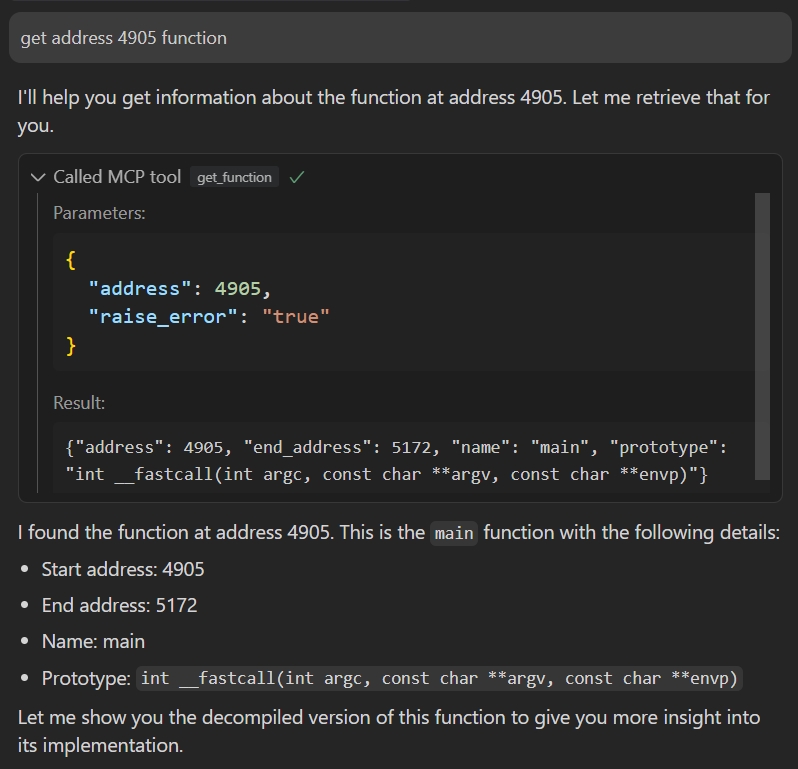
uv run headless_ida_mcp_server2. Connect to the server using an MCP client:
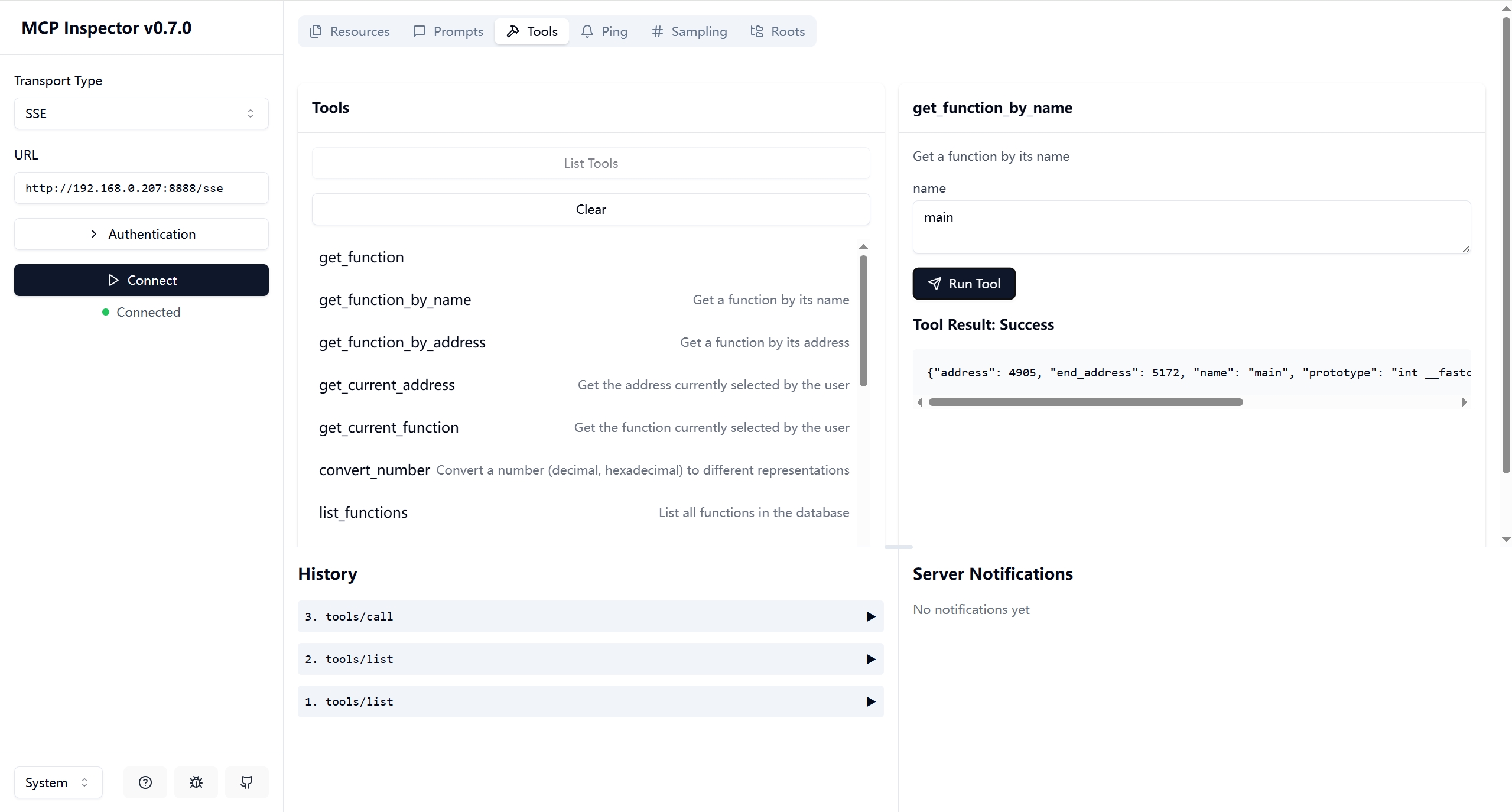
Debug it:
npx -y @modelcontextprotocol/inspectoror
{
   "mcpServers": {
      "ida": {
         "command": "/path/to/uv",
         "args": ["--directory","path/to/headless-ida-mcp-server","run","headless_ida_mcp_server"]
      }
   }
   }
Frequently asked questions
What is headless-ida-mcp-server?
headless-ida-mcp-server is headless-ida-mcp-server
How do I install headless-ida-mcp-server?
Open the GitHub repository and follow its README. Most MCP servers are added to your client's MCP config, then called by your agent.
Is headless-ida-mcp-server open source?
Yes — it is hosted on GitHub at https://github.com/cnitlrt/headless-ida-mcp-server and has 43 stars.
Related MCP tools
 cognee
Cognee is the open-source AI memory platform for agents. Give your AI agents persistent long-term memory across sessions with a self-hosted knowledge graph engine.
 skyvern
Automate browser based workflows with AI
 hindsight
Hindsight: Agent Memory That Learns
 watermarks-remover
A privacy-first app that strips AI watermarks from content you own.
 Qwen-Agent
Agent framework and applications built upon Qwen>=3.0, featuring Function Calling, MCP, Code Interpreter, RAG, Chrome extension, etc.
 pal-mcp-server
The power of Claude Code / GeminiCLI / CodexCLI + [Gemini / OpenAI / OpenRouter / Azure / Grok / Ollama / Custom Model / All Of The Above] working as one.
Run your own MCP server? See who uses it and what to fix.
Measure it with TrackMCP