
inbox-zero
The world's best AI personal assistant for email. Open source app to help you reach inbox zero fast.
Documentation
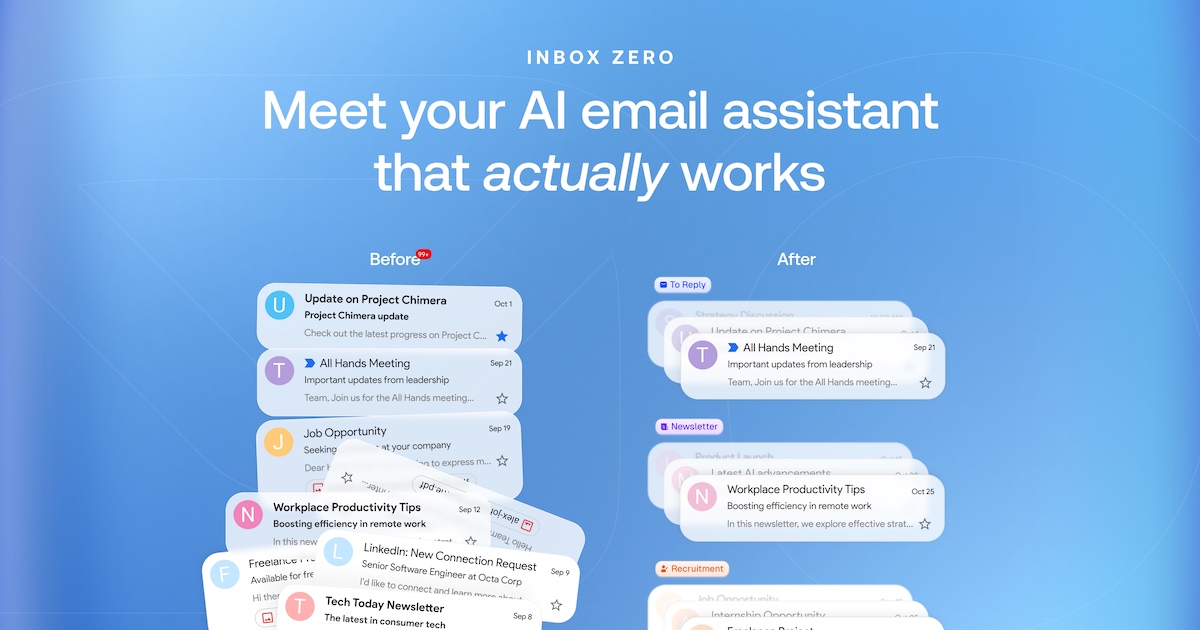
Organizes your inbox, pre-drafts replies, manages your calendar, and organizes attachments. Chat with it from Slack or Telegram to manage your inbox on the go. Open source alternative to Fyxer, but more customizable and secure.
·
·
Mission
To help you spend less time in your inbox, so you can focus on what matters most.
Features
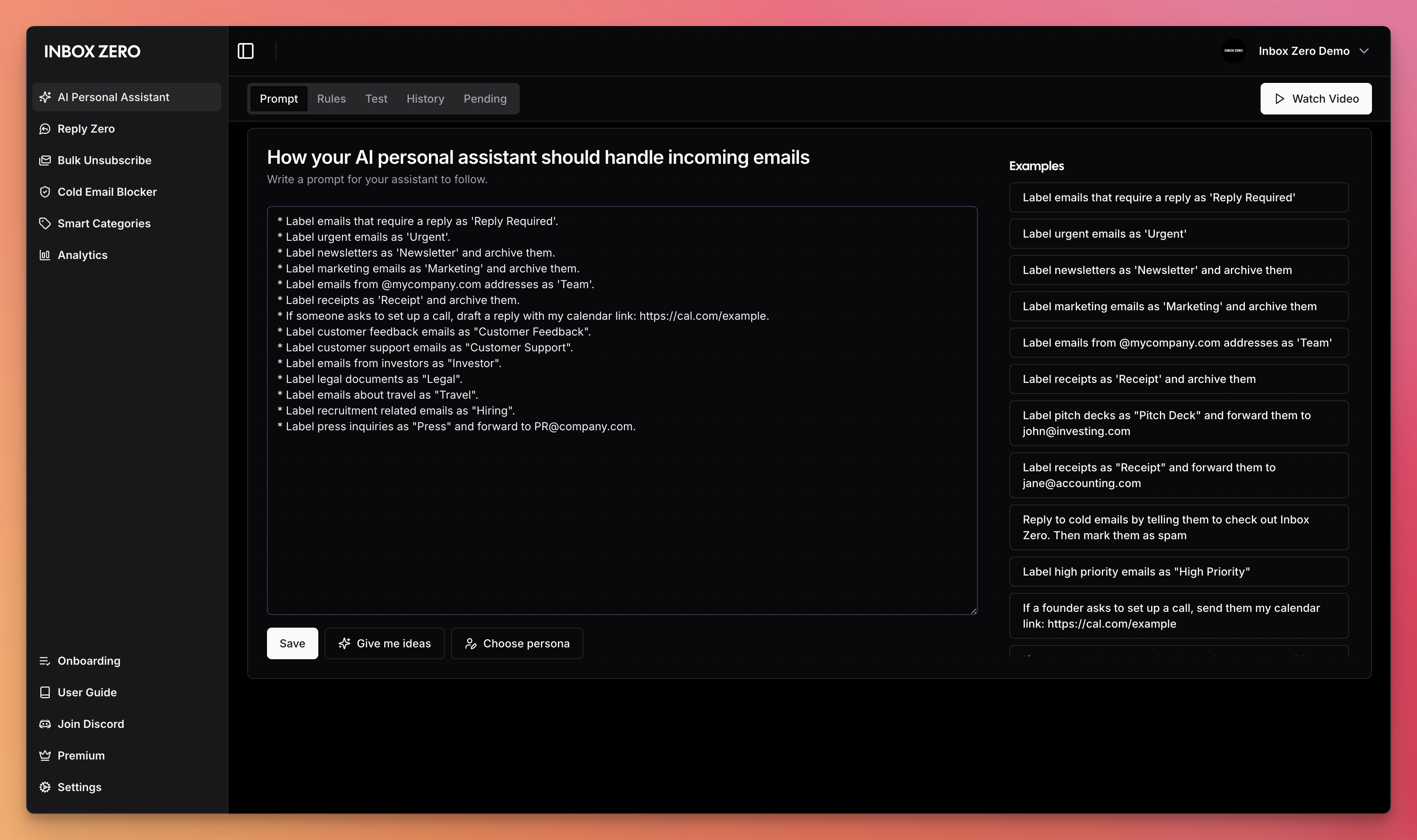
- AI Personal Assistant: Organizes your inbox and pre-drafts replies in your tone and style.
- AI Rules for email: Explain in plain English how your AI should handle your inbox.
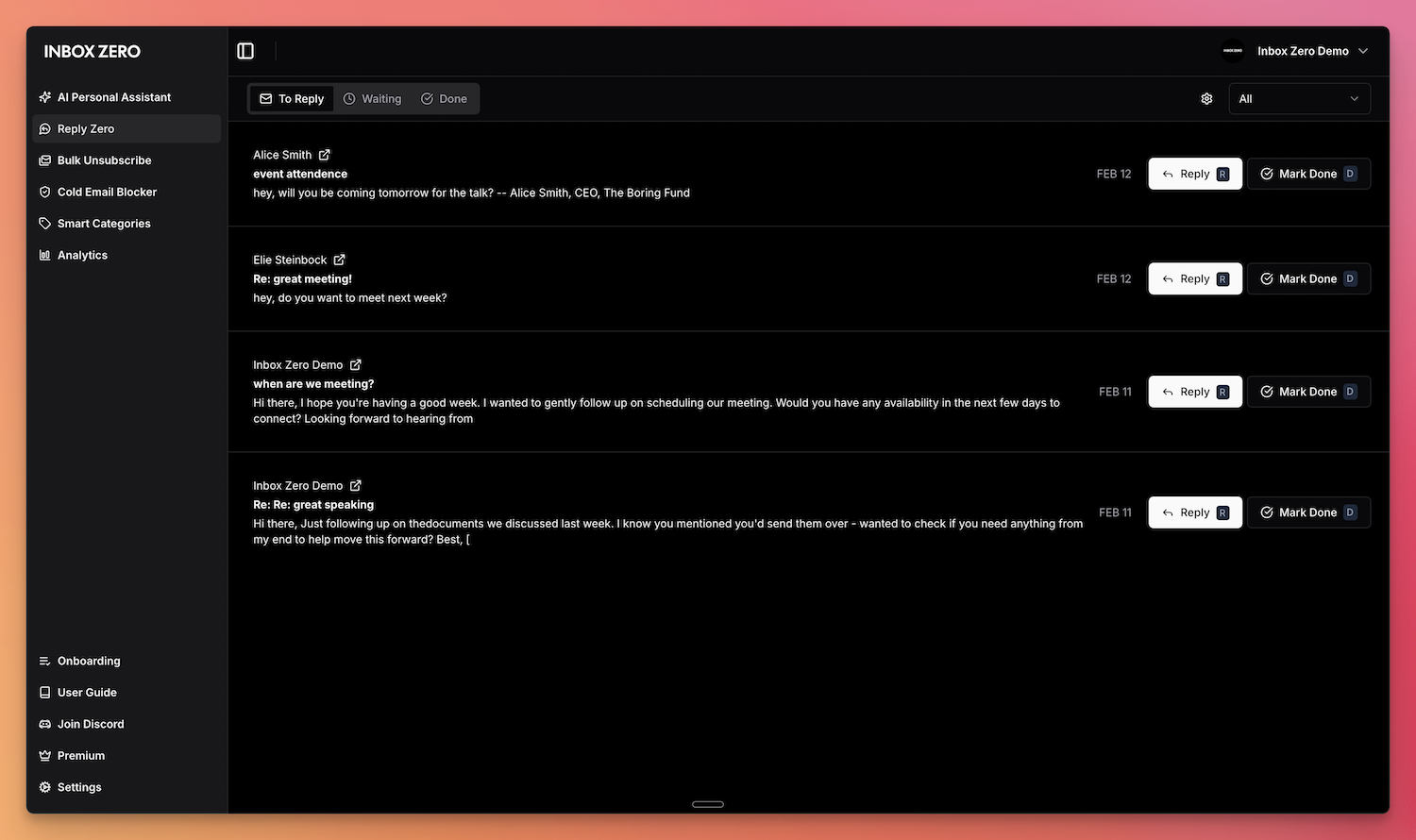
- Reply Zero: Track emails to reply to and those awaiting responses.
- Bulk Unsubscriber: One-click unsubscribe and archive emails you never read.
- Bulk Archiver: Clean up your inbox by bulk archiving old emails.
- Cold Email Blocker: Auto‑block cold emails.
- Email Analytics: Track your activity and trends over time.
- Meeting Briefs: Get personalized briefings before every meeting, pulling context from your email and calendar.
- Smart Filing: Automatically save email attachments to Google Drive or OneDrive.
- Slack & Telegram Integration: Chat with your AI assistant from Slack or Telegram to manage your inbox without leaving the apps you already use.
Learn more in our docs.
Feature Screenshots
| :------------------------------------------------------: | :-------------------------------------------------------------: |
|---|---|
| _AI Assistant_ | _Reply Zero_ |
| !Gmail Client | !Bulk Unsubscriber |
| _Gmail client_ | _Bulk Unsubscriber_ |
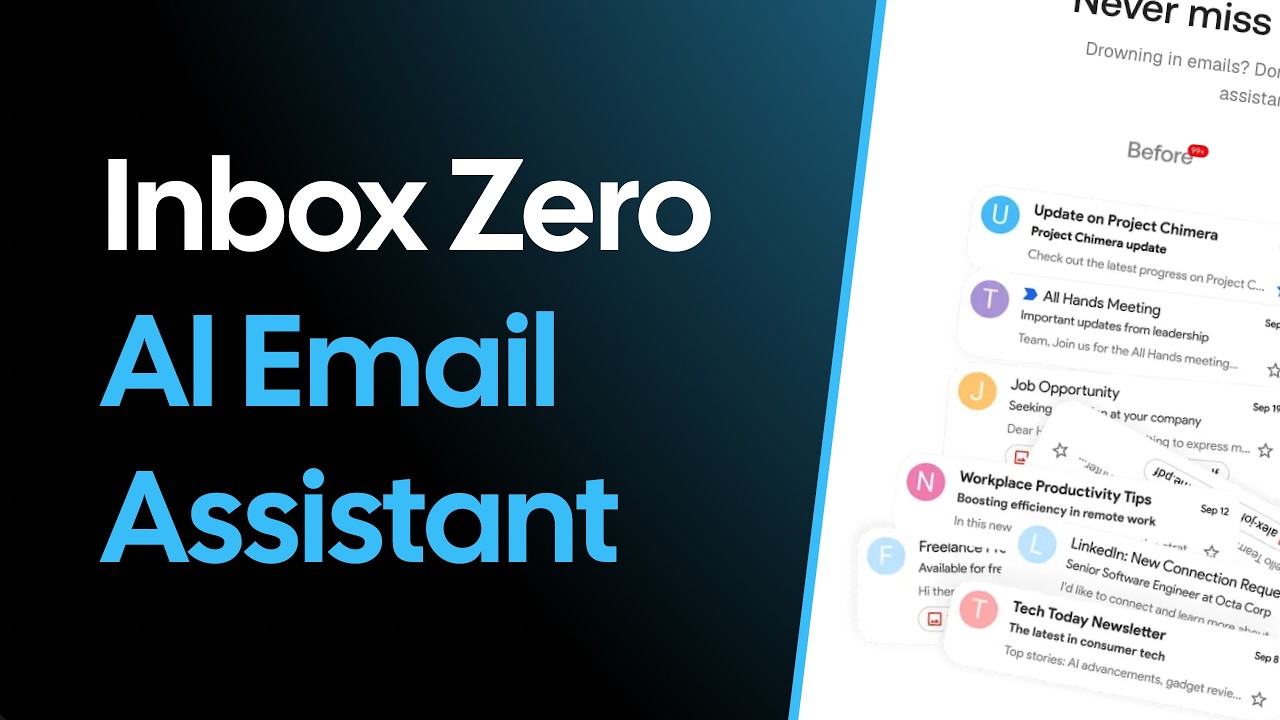
Demo Video
Built with
Star History
Feature Requests
To request a feature open a GitHub issue, or join our Discord.
Getting Started
We offer a hosted version of Inbox Zero at getinboxzero.com.
Self-Hosting
The fastest way to self-host Inbox Zero is with the CLI:
> Prerequisites: Docker and Node.js v24+
npx @inbox-zero/cli setup      # One-time setup wizard
npx @inbox-zero/cli start      # Start containers
Open http://localhost:3000
For complete self-hosting instructions, production deployment, OAuth setup, and configuration options, see our **Self-Hosting Docs**.
Local Development
> Prerequisites: Docker, Node.js v24+, and pnpm v10+
git clone https://github.com/elie222/inbox-zero.git
cd inbox-zero
docker compose -f docker-compose.dev.yml up -d   # Postgres + Redis
pnpm install
npm run setup                                     # Interactive env setup
cd apps/web && pnpm prisma migrate dev && cd ../..
pnpm dev
Open http://localhost:3000
After `pnpm install`, if you want to use the local Google emulator, start it with:
docker compose -f docker-compose.dev.yml --profile google-emulator up -dThen point `apps/web/.env` at it with:
GOOGLE_BASE_URL=http://localhost:4002
GOOGLE_CLIENT_ID=emulate-google-client.apps.googleusercontent.com
GOOGLE_CLIENT_SECRET=emulate-google-secret
If you want to use the local Microsoft emulator, start it with:
docker compose -f docker-compose.dev.yml --profile microsoft-emulator up -dThen point `apps/web/.env` at it with:
MICROSOFT_BASE_URL=http://localhost:4003
MICROSOFT_CLIENT_ID=emulate-microsoft-client-id
MICROSOFT_CLIENT_SECRET=emulate-microsoft-secret
See the **Contributing Guide** for more details including devcontainer setup.
Contributing
View open tasks in GitHub Issues and join our Discord to discuss what's being worked on.
Docker images are automatically built on every push to `main` and tagged with the commit SHA (e.g., `elie222/inbox-zero:abc1234`). The `latest` tag always points to the most recent main build. Formal releases use version tags (e.g., `v2.26.0`).
Frequently asked questions
What is inbox-zero?
inbox-zero is The world's best AI personal assistant for email. Open source app to help you reach inbox zero fast.
How do I install inbox-zero?
Open the GitHub repository and follow its README. Most MCP servers are added to your client's MCP config, then called by your agent.
Is inbox-zero open source?
Yes — it is hosted on GitHub at https://github.com/elie222/inbox-zero and has 12,148 stars.
Related MCP tools
 shadcn-ui-mcp-server
A mcp server to allow LLMS gain context about shadcn ui component structure,usage and installation,compaitable with react,svelte 5,vue & React Native
 repomix
📦 Repomix is a powerful tool that packs your entire repository into a single, AI-friendly file. Perfect for when you need to feed your codebase to Large Lan...
 mastra
The TypeScript AI agent framework. ⚡ Assistants, RAG, observability. Supports any LLM: GPT-4, Claude, Gemini, Llama. Built for the Model Context Protocol to enh
 Figma-Context-MCP
MCP server to provide Figma layout information to AI coding agents like Cursor
 plate
plateRich-text editor with AI, MCP, and shadcn/ui TypeScript-based implementation. Trusted by 15300+ developers. Trusted by 15300+ developers.
 nhost
nhostThe Open Source Firebase Alternative with GraphQL.
Run your own MCP server? See who uses it and what to fix.
Measure it with TrackMCP