
mcp-web-101
An interactive web tutorial for learning how to build MCP (Model Context Protocol) servers. This educational website provides step-by-step guidance for implementing and understanding MCP servers.
Documentation
MCP Web Tutorial 🚀
An interactive web tutorial for learning how to build MCP (Model Context Protocol) servers. This educational website provides step-by-step guidance for implementing and understanding MCP servers.
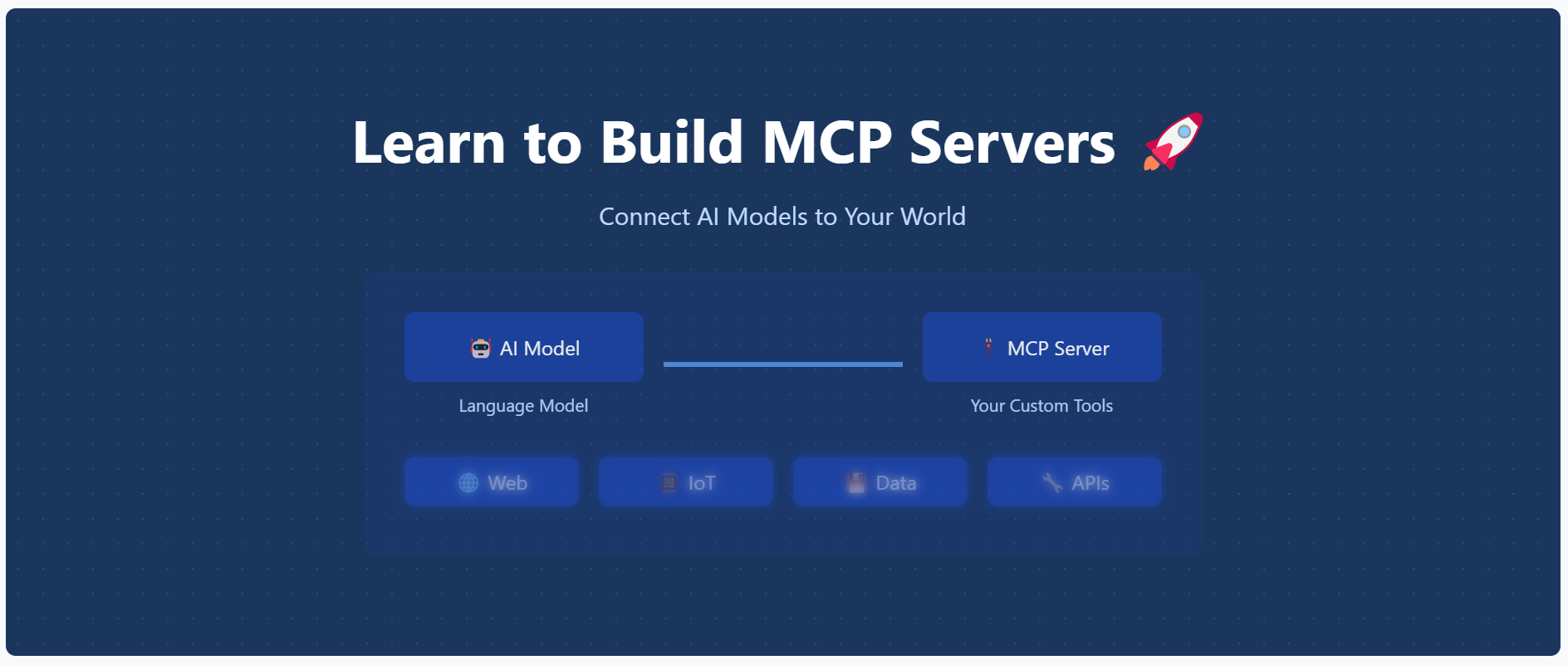
Features ✨
- 📱 Modern, responsive design with mobile-first approach
- 📚 Comprehensive tutorial content
- ⚡ Real-time code examples
- 🎨 Syntax highlighting
- 📋 Copy-to-clipboard functionality
- 📊 Progress tracking
- 🔍 Step-by-step installation guide
- 🌐 Interactive UI elements
- 🔄 Live previews
- 🌙 Dark mode support
Getting Started 🚀
Prerequisites 📋
- Node.js (v14 or higher) 💻
- npm or yarn 📦
Installation 🛠️
1. Clone the repository:
git clone https://github.com/opestro/mcp-web.git
cd mcp-web
2. Install dependencies:
npm install3. Start the server:
node server.js4. Visit `http://localhost:3000` in your browser 🌐
Project Structure 📁
mcp-web/
├── views/              # EJS templates
│   ├── layout.ejs      # Main layout template 🏗️
│   ├── index.ejs       # Home page 🏠
│   ├── installation.ejs # Installation guide ⚙️
│   └── tutorial.ejs    # Tutorial content 📚
├── public/             # Static assets 🖼️
│   └── image.png       # Main hero image 🖼️
├── server.js           # Express server 🖥️
└── package.json        # Dependencies 📦
Technologies Used 🛠️
- ⚡ Express.js - Web framework
- 🧩 EJS - Templating engine
- 💅 TailwindCSS - Styling
- ✨ Prism.js - Code syntax highlighting
Contributing 🤝
Contributions are welcome! Please feel free to submit a Pull Request.
1. Fork the project 🍴
2. Create your feature branch (`git checkout -b feature/amazing-feature`)
3. Commit your changes (`git commit -m 'Add some amazing feature'`)
4. Push to the branch (`git push origin feature/amazing-feature`)
5. Open a Pull Request 📬
Author ✍️
Mehdi Harzallah
- 💼 LinkedIn: Mehdi Harzallah
- 🐱 GitHub: @opestro
- 📧 Email: mahdiharzallah21@gmail.com
License 📄
This project is licensed under the MIT License - see the LICENSE file for details.
Acknowledgments 🙏
- Thanks to all contributors who helped in building this educational resource ❤️
- Special thanks to the MCP community 🌟
Support 💬
For support, you can:
- 🐞 Open an issue on GitHub
- 💬 Contact via WhatsApp: +213 778191078
- 📧 Send an email to mahdiharzallah21@gmail.com
Frequently asked questions
What is mcp-web-101?
mcp-web-101 is An interactive web tutorial for learning how to build MCP (Model Context Protocol) servers. This educational website provides step-by-step guidance for implementing and understanding MCP servers.
How do I install mcp-web-101?
Open the GitHub repository and follow its README. Most MCP servers are added to your client's MCP config, then called by your agent.
Is mcp-web-101 open source?
Yes — it is hosted on GitHub at https://github.com/opestro/mcp-web-101 and has 3 stars.
Related MCP tools
 fastapi_mcp
Expose your FastAPI endpoints as Model Context Protocol (MCP) tools, with Auth! Python-based implementation. Trusted by 11000+ developers.
 jadx-ai-mcp
Plugin for JADX to integrate MCP server Java-based implementation. Trusted by 600+ developers. Trusted by 600+ developers.
 wren-engine
🤖 The Semantic Engine for Model Context Protocol(MCP) Clients and AI Agents 🔥 Java-based implementation.
 mcp-client-for-ollama
A text-based user interface (TUI) client for interacting with MCP servers using Ollama. Features include multi-server, dynamic model switching, streaming res...
 biomcp
Biomedical Model Context Protocol Python-based implementation.
 mcp-graphql
Model Context Protocol server for GraphQL TypeScript-based implementation.
Run your own MCP server? See who uses it and what to fix.
Measure it with TrackMCP