
pgconsole
Minimal Postgres editor for speed, collaboration, and AI
Documentation
> [!NOTE]
> pgplex: The Postgres Toolchain for Humans and Agents - pgconsole · pgschema · pgtui · pgparser
>
> Brought to you by Bytebase, open-source database governance platform.
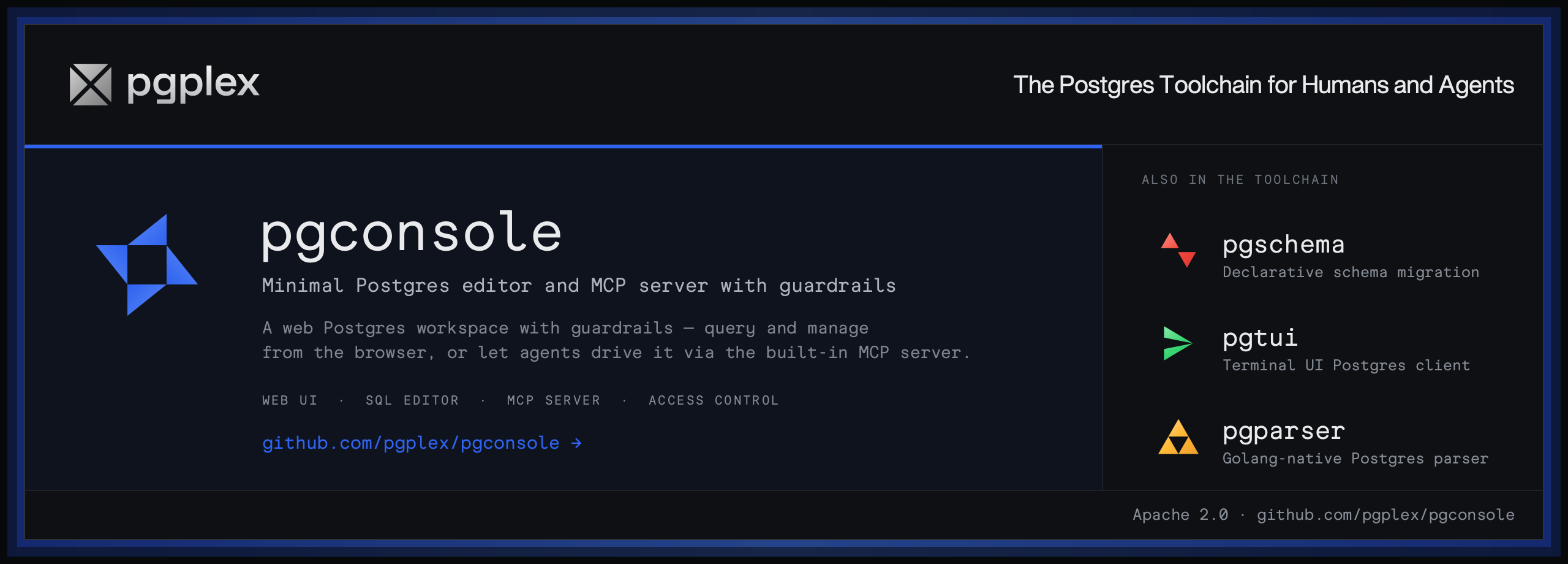
pgconsole is a web-based PostgreSQL editor. Single binary, single config file, no database required. Connect your team to PostgreSQL with access control and audit logging built in.
Installation
Visit https://docs.pgconsole.com/getting-started/quickstart
Prerequisites
- Node.js 20+
npm
npm install -g @pgplex/pgconsole
pgconsole --config pgconsole.toml
npx
npx @pgplex/pgconsole --config pgconsole.tomlDocker
docker run -p 9876:9876 -v /path/to/pgconsole.toml:/etc/pgconsole.toml pgplex/pgconsoleRun without `--config` to start in demo mode with a bundled sample database.
Features
SQL Editor
A full-featured SQL workspace for writing, running, editing, and inspecting PostgreSQL, with parser-powered intelligence in the editor.
- Autocomplete — context-aware suggestions for tables, columns, joins, and CTEs
- Formatting — pretty-print or collapse SQL to one line
- Error detection — red underlines with hover tooltips
- Code folding — collapse `SELECT`, `WITH`, and other blocks
- Function signature help — parameter hints as you type
- Result grid & inline editing — virtual-scrolling query results with staged edits, generated SQL previews, and optional AI risk assessment before execution
- Schema browser — inspect tables, views, materialized views, functions, and procedures with metadata, indexes, constraints, triggers, and grants
AI Assistant
Generate, explain, fix, and rewrite SQL with an AI assistant that understands your schema context. Supports OpenAI, Anthropic, and Google providers.
- Text-to-SQL — describe a query in natural language, get SQL back
- Explain SQL — get plain-language explanations of any query
- Fix SQL — AI-powered error correction from inline linting
- Rewrite SQL — optimize queries for performance or readability
- Risk assessment — analyze staged changes for potential risks before execution
MCP Server
Expose your Postgres connections to external AI agents (Claude, Cursor, IDEs, CI bots) over the Model Context Protocol — without handing out raw database credentials. Agents connect to a remote MCP endpoint and inherit the same IAM, permission, and audit controls as human users.
- Remote & token-authenticated — a Streamable HTTP endpoint at `/mcp`; each agent authenticates with `Authorization: Bearer `
- Two agent kinds — a *pure* service account (authorized by `agent:` IAM rules) or a *delegated* agent that acts on behalf of a user, optionally capped to fewer permissions or connections
- Permission-shaped tools — every agent can `list_connections`; catalog tools (`list_objects`, `describe_table`) appear once it has an accessible connection, and execution tools unlock per grant: `explain_query` (`explain`), `query` (`read`), `write_data` (`write`), `run_ddl` (`ddl`)
- Same governance as the UI — every statement runs through per-statement SQL permission detection, default-deny IAM, and the audit log
# A standalone agent, authorized via [[iam]] just like a user
[[agents]]
id = "ci-bot"
name = "CI Pipeline"
token = "generate-a-long-random-secret"   # openssl rand -hex 32

[[iam]]
connection = "staging"
permissions = ["read", "ddl"]
members = ["agent:ci-bot"]
Database Access Control
Fine-grained IAM controls who can read, write, or administer each connection. Permissions are enforced at the application layer — no database roles needed.
- Default deny — users have no access unless a rule explicitly grants it
- Connection-scoped — permissions are granted per connection, not globally
- Disjoint permissions — `read`, `write`, `ddl`, `admin`, `explain`, `execute`, `export` are independent
Audit Log
Every query and login is recorded as structured JSON to stdout. Filter and forward to your log infrastructure.
{
  "type": "audit",
  "ts": "2024-01-15T10:32:15.456Z",
  "action": "sql.execute",
  "actor": "alice@example.com",
  "connection": "prod-db",
  "sql": "SELECT * FROM users WHERE active = true",
  "duration_ms": 45,
  "row_count": 150
}
Single-File Configuration
Everything lives in `pgconsole.toml` — connections, users, groups, access rules, AI providers. No database required.
[[connections]]
id = "production"
name = "Production"
host = "db.example.com"
port = 5432
database = "myapp"
username = "readonly"
password = "..."

[[iam]]
connection = "production"
permissions = ["read", "explain", "export"]
members = ["*"]

[[iam]]
connection = "production"
permissions = ["*"]
members = ["group:dba"]

[[ai.providers]]
id = "claude"
vendor = "anthropic"
model = "claude-sonnet-4-20250514"
api_key = "sk-ant-..."
Getting Help
Development
> [!NOTE]
> For external contributors: If you want to request a feature, please create a GitHub issue to discuss first instead of creating a PR directly.
git clone https://github.com/pgplex/pgconsole.git
cd pgconsole
pnpm install
pnpm dev        # Start dev server (frontend + backend)
pnpm build      # Production build
pnpm test       # Run all tests
Sponsor
Bytebase - open source, web-based database DevSecOps platform.
Frequently asked questions
What is pgconsole?
pgconsole is Minimal Postgres editor for speed, collaboration, and AI
How do I install pgconsole?
Open the GitHub repository and follow its README. Most MCP servers are added to your client's MCP config, then called by your agent.
Is pgconsole open source?
Yes — it is hosted on GitHub at https://github.com/pgplex/pgconsole and has 148 stars.
Related MCP tools
 UI-TARS-desktop
The Open-Source Multimodal AI Agent Stack: Connecting Cutting-Edge AI Models and Agent Infra
 wigolo
The go-to web for your AI coding agent — local-first search, fetch, crawl & research over MCP. No API keys, no cloud, $0/query. Public beta.
 agent
agentAI agent expert in PostgreSQL for the Model Context Protocol. Enhance AI assistants with powerful integrations. TypeScript-based implementation.
 metabase
The easy-to-use open source Business Intelligence and Embedded Analytics tool that lets everyone work with data :bar_chart:
 pg-aiguide
MCP server and Claude plugin for Postgres skills and documentation. Helps AI coding tools generate better PostgreSQL code.
 n8n-mcp
A MCP for Claude Desktop / Claude Code / Windsurf / Cursor to build n8n workflows for you
Run your own MCP server? See who uses it and what to fix.
Measure it with TrackMCP