
code-snippet-image-mcp
An MCP (Model Context Protocol) server that generates beautiful code snippet images to post to social media.
Documentation
Code snippet image MCP server
An MCP (Model Context Protocol) server that generates beautiful code snippet images to post to social media.
Demo
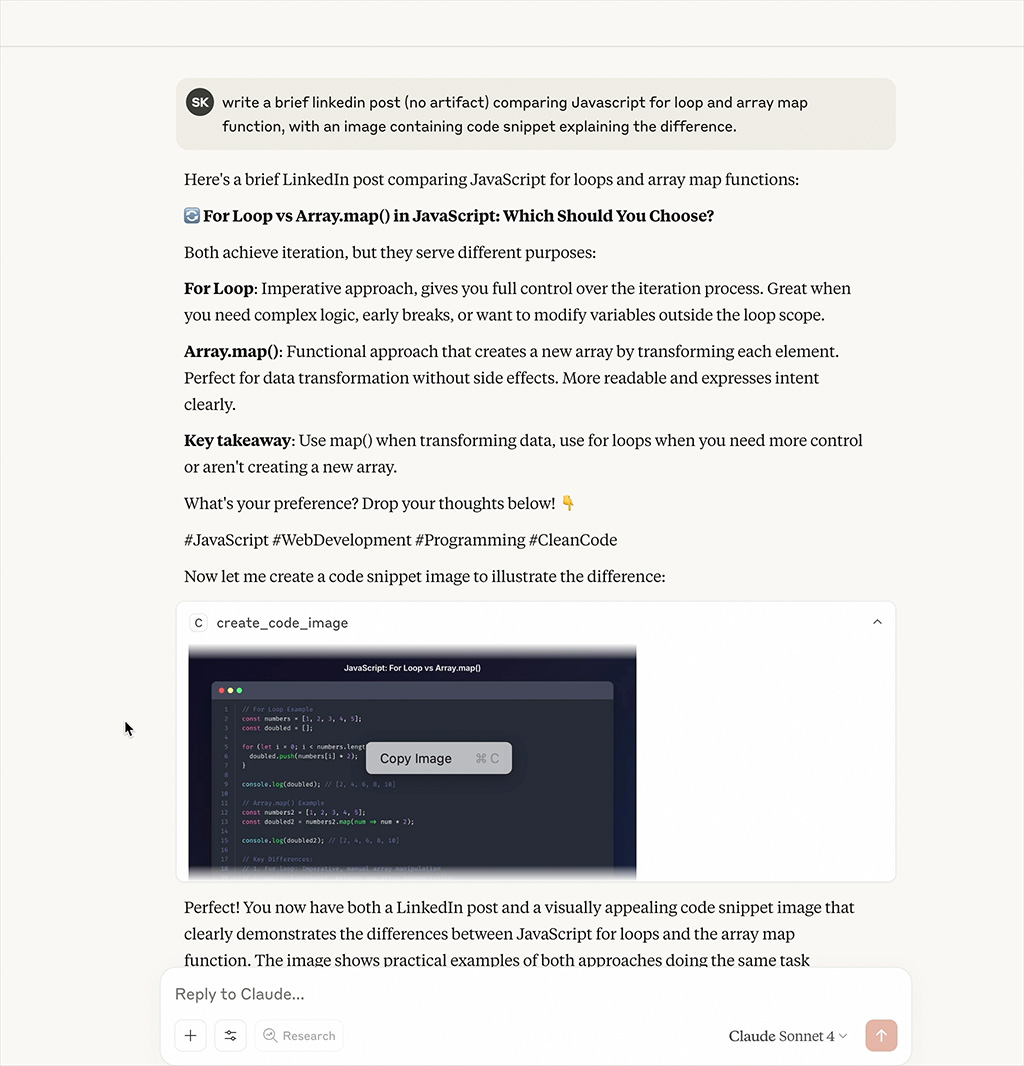
_Watch the MCP server generate beautiful code snippet images in real-time_
Features
- Beautiful Code Images: Generate beautiful code snippet images with syntax highlighting
- Multiple Themes: Support for Dracula, Monokai, GitHub, Solarized Dark/Light themes
- Syntax Highlighting: Support for multiple programming languages
- Customizable: Configurable dimensions, themes, and styling options
Installation
npm install
npm run build
Configuration
Add to your MCP configuration file:
{
  "mcpServers": {
    "code-snippet-image-mcp-server": {
      "command": "npx",
      "args": [
        "-y",
        "code-snippet-image-mcp-server",
        "/custom/output/directory"
      ]
    }
  }
}
The server accepts an optional output directory as the first command line argument. If not provided, it defaults to `./output` in the current working directory.
Usage
The MCP server provides one main tool:
create_code_image
Generate a beautiful code snippet image:
Parameters:
- `code` (string, required): The code to convert to image
- `language` (string, optional): Programming language for syntax highlighting (default: "javascript")
- `theme` (string, optional): Color theme (default: "dracula")
- `title` (string, optional): Title for the code snippet
- `width` (number, optional): Image width in pixels (default: 800)
- `height` (number, optional): Image height in pixels (auto if not specified)
- `padding` (number, optional): Padding around the code window in pixels (default: 52)
- `backgroundColor` (string, optional): Custom background color (overrides theme background)
- `showLineNumbers` (boolean, optional): Show or hide line numbers (default: true)
Example:
{
  "code": "const hello = () => console.log('Hello, World!');",
  "language": "javascript",
  "theme": "dracula",
  "title": "Hello World Function",
  "width": 800,
  "height": 600,
  "padding": 52,
  "showLineNumbers": true
}
Supported Themes
Dracula (Default)
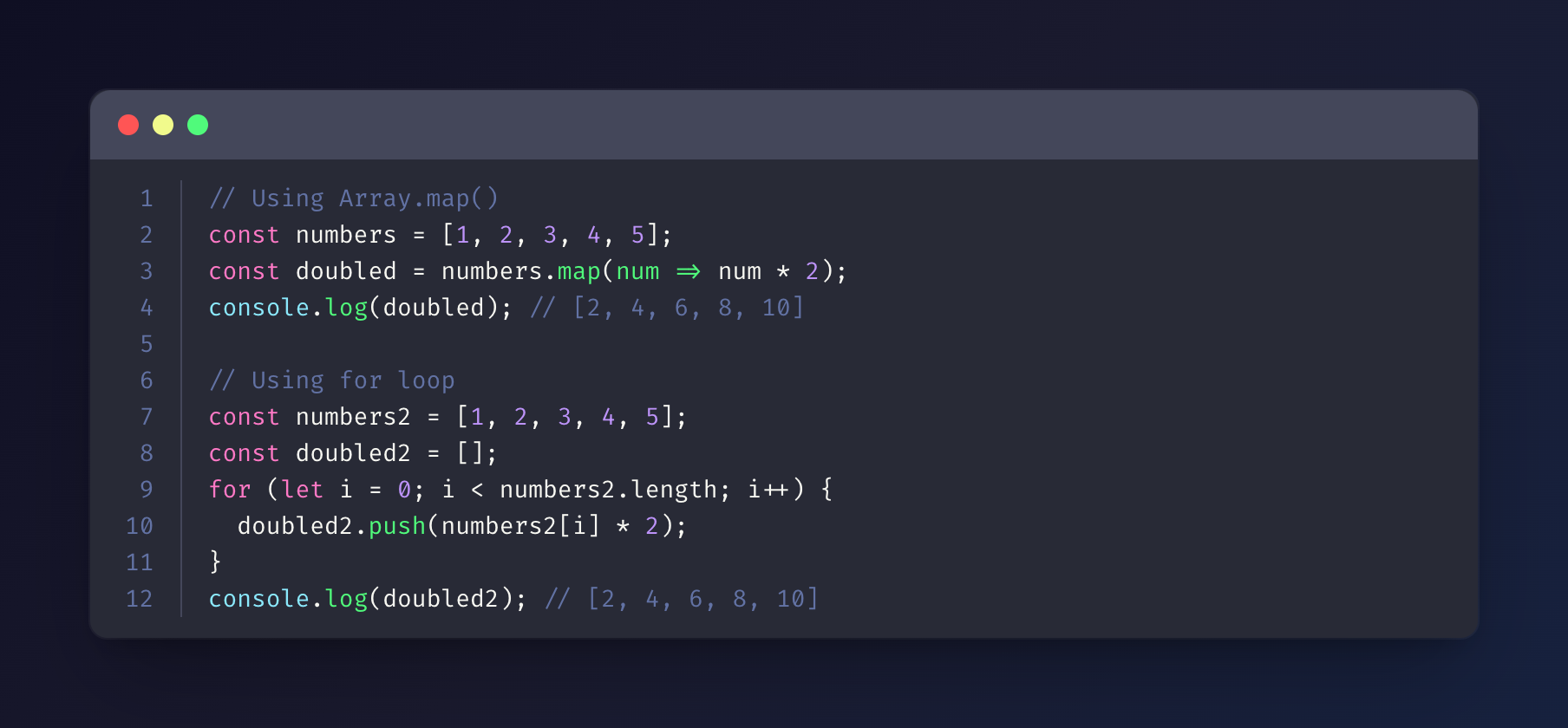
Monokai
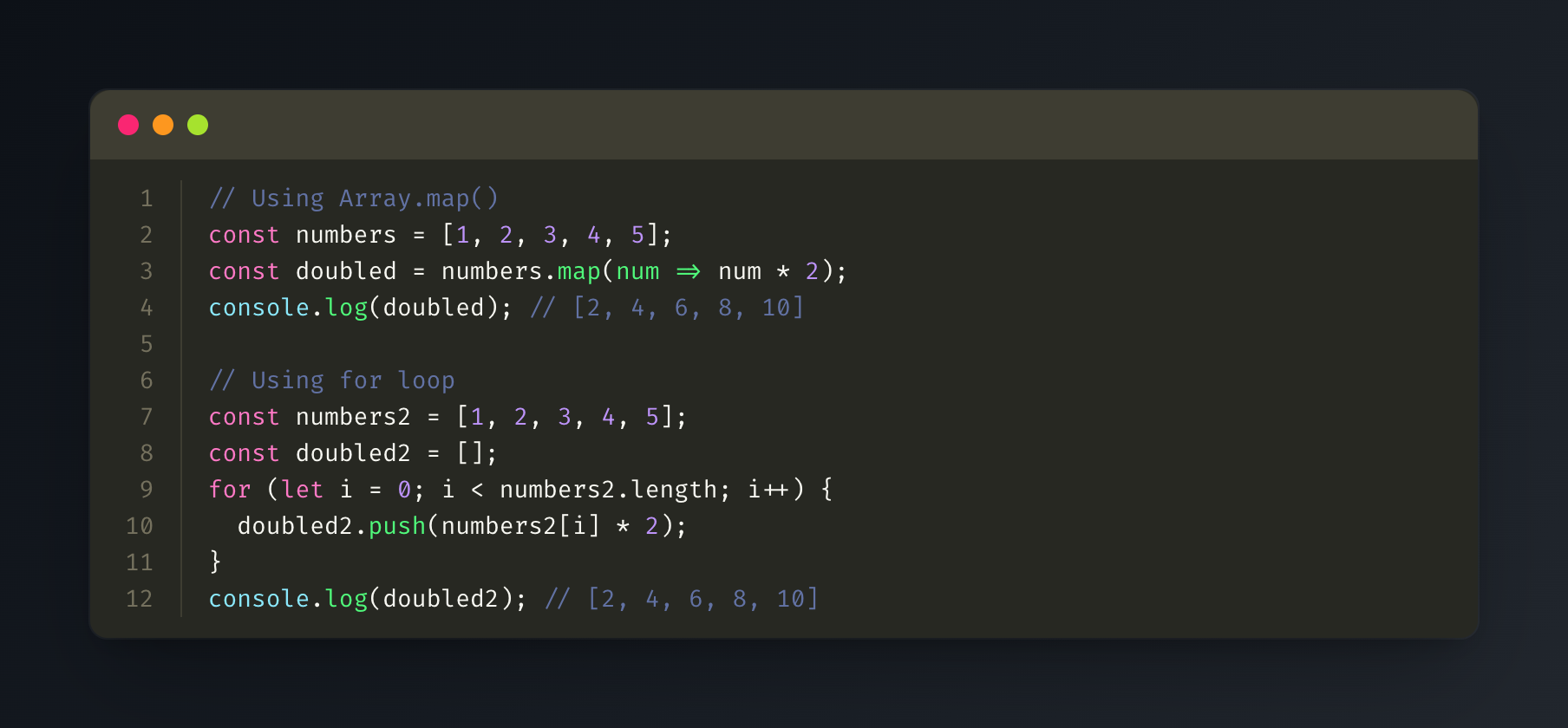
GitHub
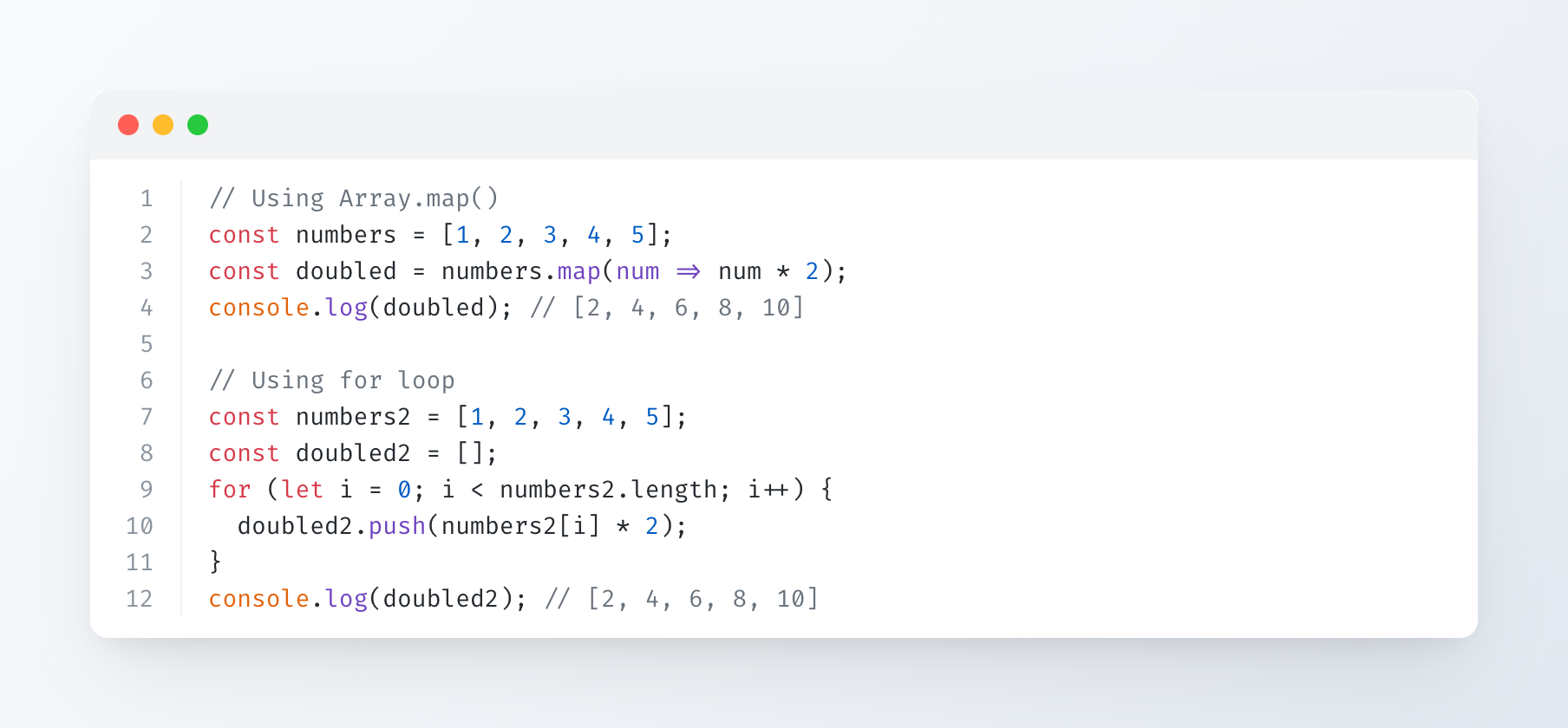
Solarized Dark
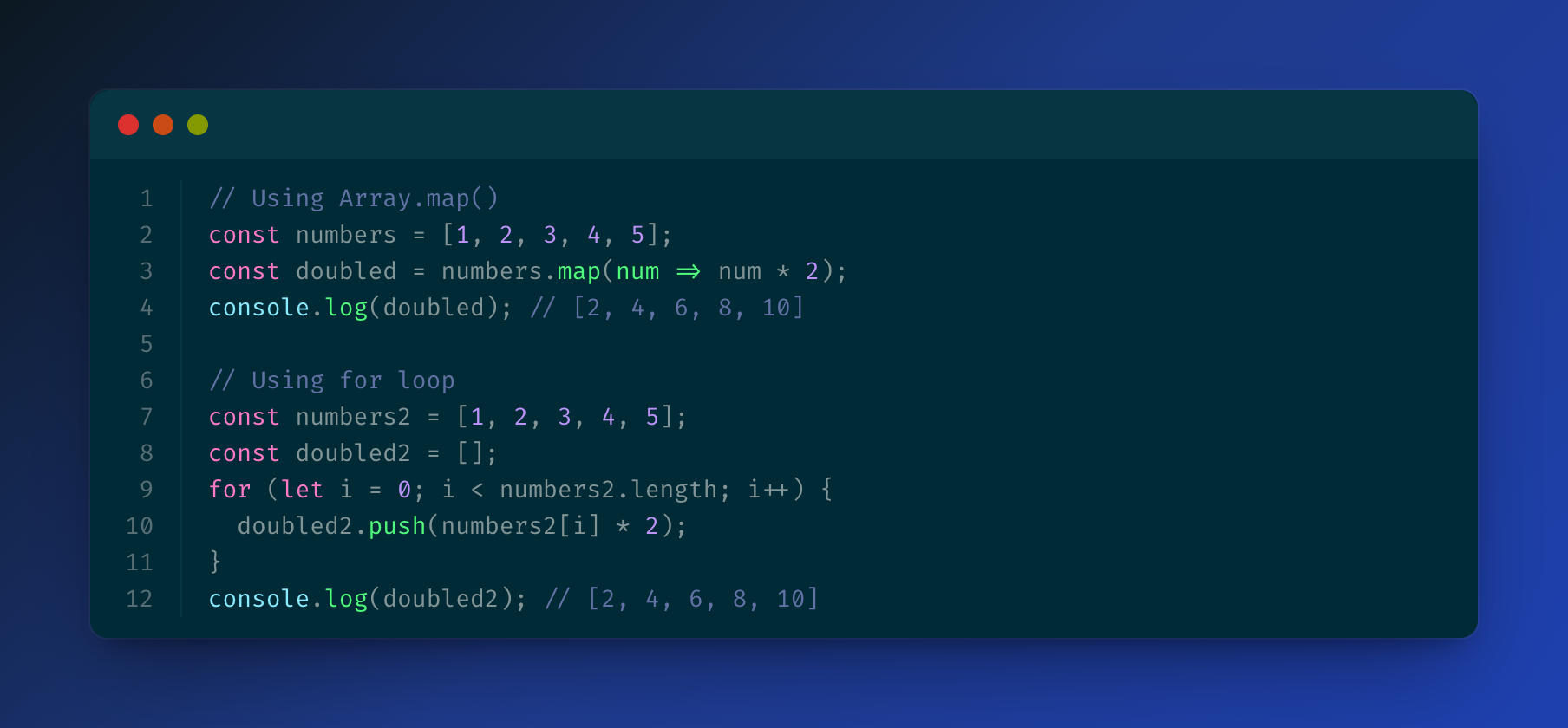
Solarized Light
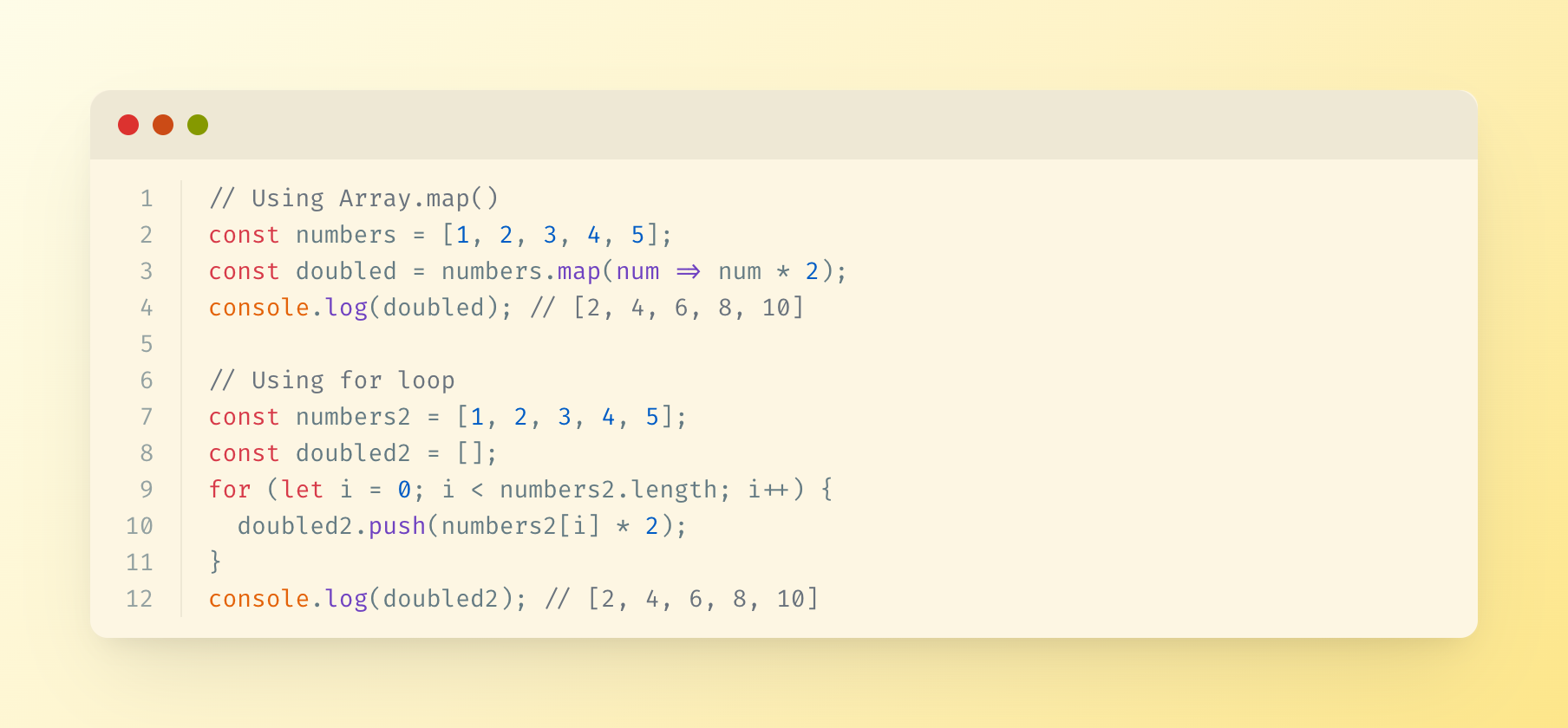
Supported Languages
The server uses highlight.js for syntax highlighting and supports all languages that highlight.js supports, including:
- JavaScript/TypeScript
- Python
- Java
- C/C++
- Go
- Rust
- PHP
- Ruby
- And many more...
Output
Generated images are saved in the specified output directory (or `./output` by default) with timestamps.
License
MIT
Frequently asked questions
What is code-snippet-image-mcp?
code-snippet-image-mcp is An MCP (Model Context Protocol) server that generates beautiful code snippet images to post to social media.
How do I install code-snippet-image-mcp?
Open the GitHub repository and follow its README. Most MCP servers are added to your client's MCP config, then called by your agent.
Is code-snippet-image-mcp open source?
Yes — it is hosted on GitHub at https://github.com/suhaibkhan/code-snippet-image-mcp and has 3 stars.
Related MCP tools
 firecrawl-mcp-server
🔥 Official Firecrawl MCP Server - Adds powerful web scraping and search to Cursor, Claude and any other LLM clients.
 deep-research
Use any LLMs (Large Language Models) for Deep Research. Support SSE API and MCP server.
 mcp-feedback-enhanced
Enhanced MCP server for interactive user feedback and command execution in AI-assisted development, featuring dual interface support (Web UI and Desktop Application) with intelligent environment detection and cross-platform compatibility.
 papersgpt-for-zotero
A powerful Zotero AI and MCP plugin with ChatGPT, Gemini 3.7, Claude Fable 5, Claude Opus 5, DeepSeek V4, Grok, OpenRouter, Kimi k3, GLM 5.3, SiliconFlow, GPT-oss, Gemma 4, Qwen 3.8
 opendia
Connect your browser to AI models. Just use Dia on Chrome, Arc or Firefox.
 wenyan-mcp
文颜 MCP Server 可以让 AI 自动将 Markdown 文章排版后发布至微信公众号。
Run your own MCP server? See who uses it and what to fix.
Measure it with TrackMCP